
Hybrid yoga is no longer a pandemic-era workaround. It’s a permanent revenue channel. Studios across the US now treat live streaming as a way to keep traveling members engaged, reach students outside their zip code, and add a second income stream without adding square footage.
But there’s a difference between “streaming a class” and building a live streaming program that retains members and makes money. This guide walks through both: the technical setup and the business model behind it, plus how a platform like Mariana Tek’s Yoga Studio Software ties it all together.
Why Live Stream Yoga Classes in 2026?
Demand for flexible access hasn’t slowed down. Members want the option to join a class from home when travel, weather, or a busy week keeps them off the mat. For studios, that flexibility is a retention lever as much as an acquisition one, since a member who can still “attend” from their living room is a member who doesn’t cancel. If you’re still shaping your broader growth strategy, our Yoga Studio Growth: The Ultimate Retention Guide covers the community and personalization side of that equation in depth.
Live streaming also opens a national or even global audience for studios that previously only served their neighborhood, which matters if you’re weighing a second location versus expanding your existing footprint virtually.
Step 1: Set Up Your Physical Streaming Space
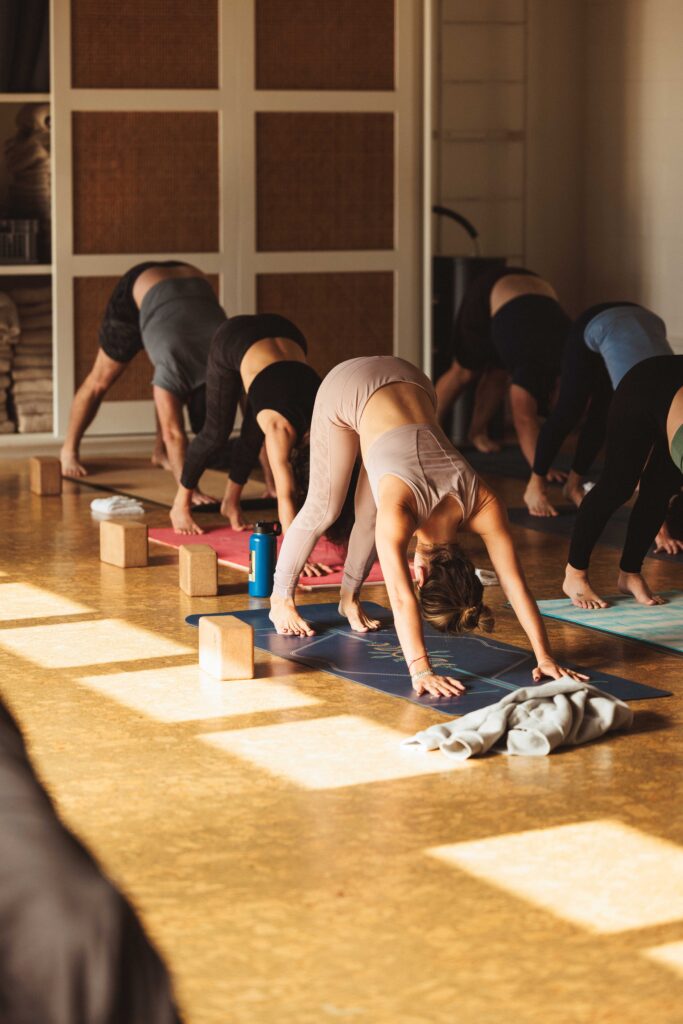
Before picking software, get the physical setup right, since a laggy platform can’t fix bad lighting or muffled audio.
- Space: Choose a clean, uncluttered area of the studio with reliable Wi-Fi or a hardwired connection. A dropped connection mid-flow is the fastest way to lose a virtual student’s trust.
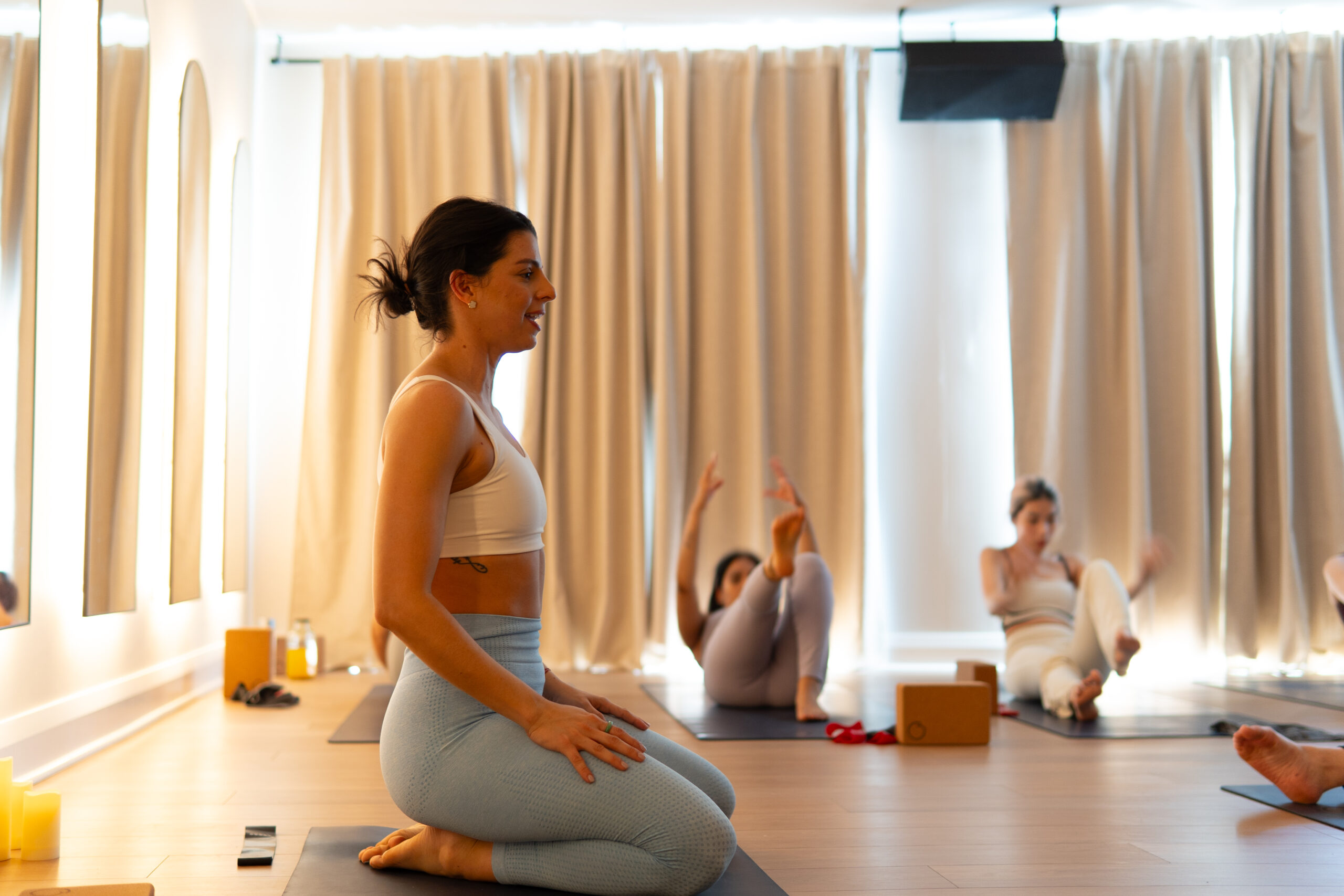
- Camera placement: A wide-angle lens or smartphone on a sturdy tripod, positioned so the whole mat is visible for both standing sequences and floor work. Multi-camera setups help if you regularly teach both Vinyasa flows and slower, ground-based styles.
- Lighting: Place the mat diagonally to a window or softbox so light falls naturally across the instructor’s body, rather than behind them, which creates a silhouette.
- Audio: This is the detail competitors and studios most often get wrong. Built-in laptop or phone mics can’t keep up with movement. A wireless lapel mic or fitness headset keeps instruction clear even during transitions.
Step 2: Choose Your Tech Stack and Booking Integration
Once your streaming space is ready, the next decision is what actually delivers the class to students, and what handles booking and payment around it. These are two separate jobs, and most studios in the US end up combining a video/streaming tool with a booking platform, even if it doesn’t always look that way from the outside.
How Live Streaming Really Works at Most Studios?
Looking at how established US studios run live yoga classes, a consistent pattern emerges: the booking and membership platform (where students sign up and pay) is usually separate from the tool that broadcasts the class. Students register through the studio’s booking system, then get emailed a streaming link shortly before class. The booking software isn’t streaming the video; it’s managing who’s allowed to join and automating link delivery.
This changes the real question for studio owners: it’s not “which platform streams my classes,” it’s “which platform manages bookings and payments, and which streaming tool does it plug into.”
Social and Video-Call Tools Some Studios Use
Before looking at dedicated studio streaming partners, it’s worth covering the lighter-weight tools smaller studios and independent teachers sometimes reach for, since they still show up in searches around this topic.
Facebook Live
Facebook Live works for a quick, informal class or check-in, and allows sessions up to eight hours long, useful for workshops or longer sequences. Studios can post publicly or restrict a stream to a private group, which gives some control over who’s watching a paid class. The catch is that Facebook doesn’t function as an archive, a stream is easy for viewers to catch live but harder to surface again afterward unless it’s manually downloaded and reposted elsewhere.
Instagram Live
Instagram Live (via Stories) is built for short, casual sessions rather than a full class. Because content publishes in short segments and disappears from Stories after a day unless saved to Highlights, it works better as a promotional teaser or quick community touchpoint than as the primary way to deliver a 60-minute class.
Zoom
Zoom is the most used option for a full, interactive class among smaller studios and independent teachers, since it puts students on camera and lets an instructor call out real-time corrections the way they would in the room. The free tier caps group sessions at 40 minutes, which is tight for a full class, so most studios teaching regularly move to a paid plan for longer, uninterrupted sessions. Zoom also allows the host to record the session, and to “pin” their own video so only the instructor is visible to viewers, useful for a class format where showing every student’s camera isn’t necessary or desired.
None of these general-purpose tools include scheduling, payment processing, or access control, so a studio using any of them still needs separate booking software to manage who’s allowed to join and to collect payment beforehand.
The Live Streaming Integrations by Mariana tek
For studios using Mariana Tek, live streaming works through a set of dedicated partner integrations rather than a single built-in tool, following the same booking-plus-streaming-tool pattern described above, but built specifically for a studio business rather than a casual class:
| Partner | Best For |
|---|---|
| Forte | Streaming live and on-demand classes with a polished, studio-branded viewer experience |
| Tribe | Multi-camera setups and professional-grade audio production for a more in-studio feel |
| Intelivideo | Building an on-demand video library with flexible subscription pricing |
| IPStudio | Member progress and challenge tracking alongside virtual content |
Each plugs directly into Mariana Tek’s scheduling and payment system, so a student books a livestream the same way they’d book an in-studio class, and access is granted automatically once payment goes through.
Yoga Live Streaming Platforms Comparison
| Tool | Role | Handles Payments/Booking? | Best Fit |
|---|---|---|---|
| Facebook Live | Public or group video delivery | No | Quick check-ins, informal or promotional streams |
| Instagram Live | Short-form video delivery | No | Teasers, community engagement, not full classes |
| Zoom | Interactive video delivery | No | Small, interactive sessions (Mysore, workshops) |
| YouTube Live | Public broadcast | No | Audience building, free previews |
| Forte / Tribe / Intelivideo / IPStudio | Video delivery (via Mariana Tek integration) | Yes, through Mariana Tek | Studios wanting a fully branded, automated experience |
The pattern holds across nearly every option: the video tool and the business layer (booking, payment, access control) are usually two separate pieces. That business layer is where most of the actual member experience gets built, and it’s the layer Mariana Tek’s Yoga Studio Software is designed for, pairing automated scheduling and payments with production-ready streaming partners so studios don’t have to stitch it together by hand.
If you’re still shaping your overall tech and pricing strategy, our guide on how to open a yoga studio covers the foundational decisions, and the boutique fitness studio blueprint walks through scaling technology across multiple locations.
Step 3: Structure Booking, Payments, and Access
Frictionless booking matters more than most studios expect. Industry data shows that over 90% of students at studios using integrated booking software reserve their own spot without staff involvement, which frees your team to focus on the people.
For live streaming specifically, that means:
- Automated link delivery tied to a paid booking, not a manually forwarded email.
- Gated access so links can’t be shared or reused by non-members.
- Hybrid membership tiers, such as an unlimited hybrid plan (in-studio plus virtual) alongside a virtual-only class pack for members who mostly stream.
If you’re still working out your broader pricing structure, this pairs well with a wider look at how to price and package your offerings across in-person and virtual formats.
Step 4: Keep Virtual Students Engaged
A stream that just plays to a camera loses students over time. A few things that keep virtual attendance sticky:
- Two-way interaction: a monitor at the front of the room lets instructors see chat or video feed and offer real-time verbal modifications to remote students.
- Post-class touchpoints: a quick follow-up message or community post after class keeps virtual students from feeling like an afterthought.
- On-demand backup: recording sessions for a library gives students who couldn’t attend live a reason to stay subscribed anyway.
Some studios have used this kind of engagement tooling for challenges and leaderboards rather than pure streaming, but the retention logic is the same: visible progress and connection keep people coming back.
M3 Studio’s experience moving member challenges online is a good example of what that looks like in practice, participants who engaged with the digital, trackable version of a challenge renewed at a noticeably higher rate than those who didn’t.
Common Challenges to Plan For
- Unstable internet: have a backup connection (mobile hotspot) ready for class days.
- Link sharing: solved by gating access through authenticated bookings rather than open links.
- Scaling across locations: if you run more than one studio, make sure your platform reports on streaming attendance and revenue per location separately, not blended together, so you can see what’s working where.
FAQs on How to Live Stream Yoga Classes in 2026
Zoom and YouTube Live work for basic streaming, but they don’t handle payments or registration. For a studio business, an integrated platform that combines scheduling, secure payments, and gated video delivery under one branded app tends to scale better than stitching together separate tools.
Yes. Most hybrid studios set up a dedicated camera and mic zone in the room so an instructor can teach the in-person group while the stream runs simultaneously, without needing a second teacher.
Manually emailed links are easy to forward. Booking software that auto-generates a unique, authenticated link per paying member closes that gap.
A basic setup (smartphone, tripod, wireless mic) can run a few hundred dollars. Costs scale up with multi-camera setups or professional lighting, but the equipment is usually a smaller ongoing cost than the software and payment infrastructure behind it.
Check with your existing studio liability insurer, since coverage for virtual instruction isn’t always automatic under a standard in-person policy.
By turning previously “lost” members (travelers, those who moved away, injury recovery) into virtual-only subscribers, and by opening enrollment to students outside your local radius entirely.
Conclusion- How to Live Stream Yoga Classes in 2026?
Live streaming yoga well isn’t about buying the fanciest camera. It’s about pairing a decent physical setup with software that handles booking, payment, and access automatically, so the technology disappears and the class experience feels just as premium on a screen as it does on the mat. Studios that treat streaming as part of a broader hybrid membership strategy, rather than a bolt-on during disruptions, tend to see it become a durable retention and revenue channel rather than a temporary fix.
Ready to bring booking, payments, and live streaming together under one branded app? Request a demo with Mariana Tek to see how it works for your studio.
Explore More Resources

by Julie Sippy Senior Marketing Manager
-
First published: July 16 2026
Written by: Julie Sippy